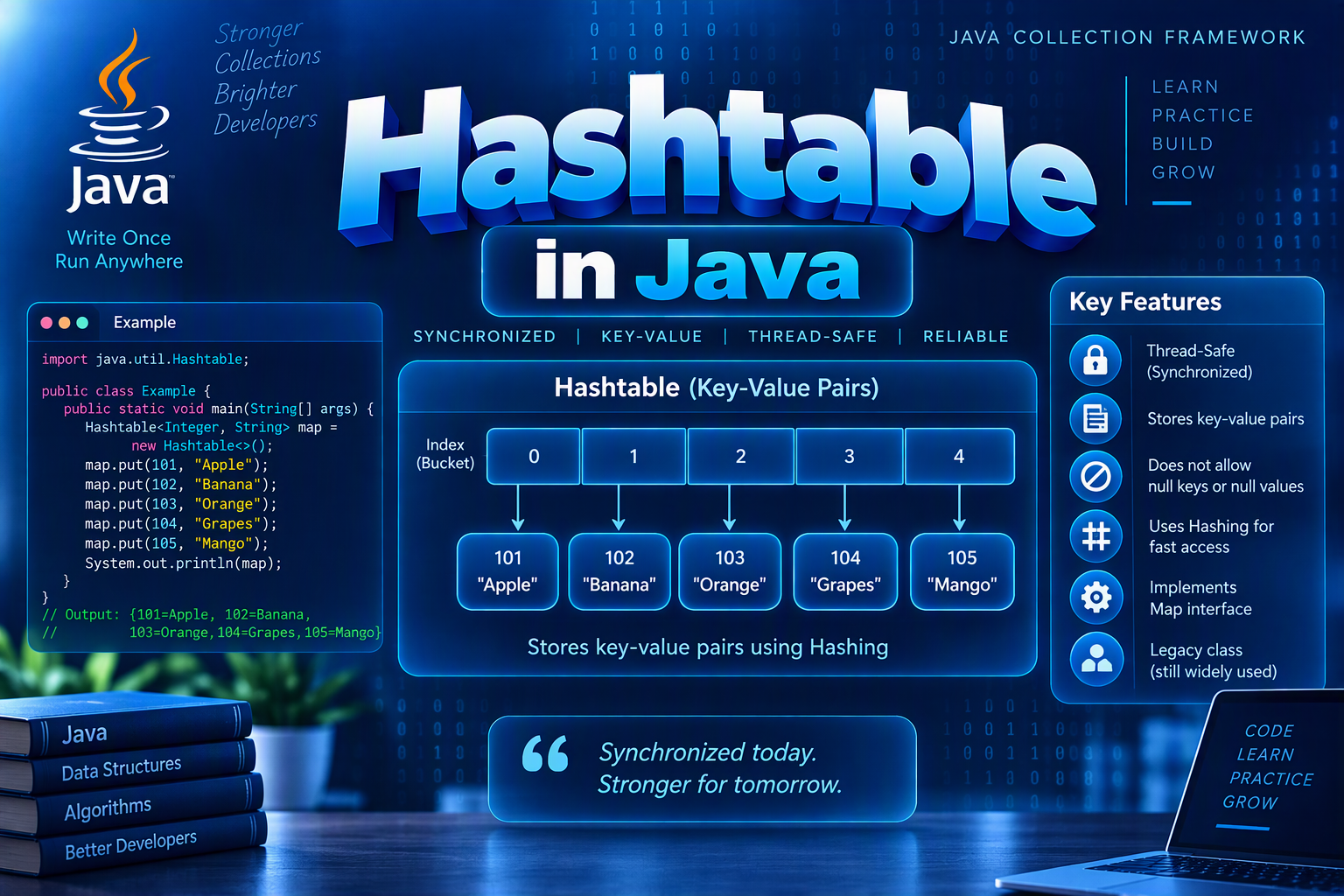
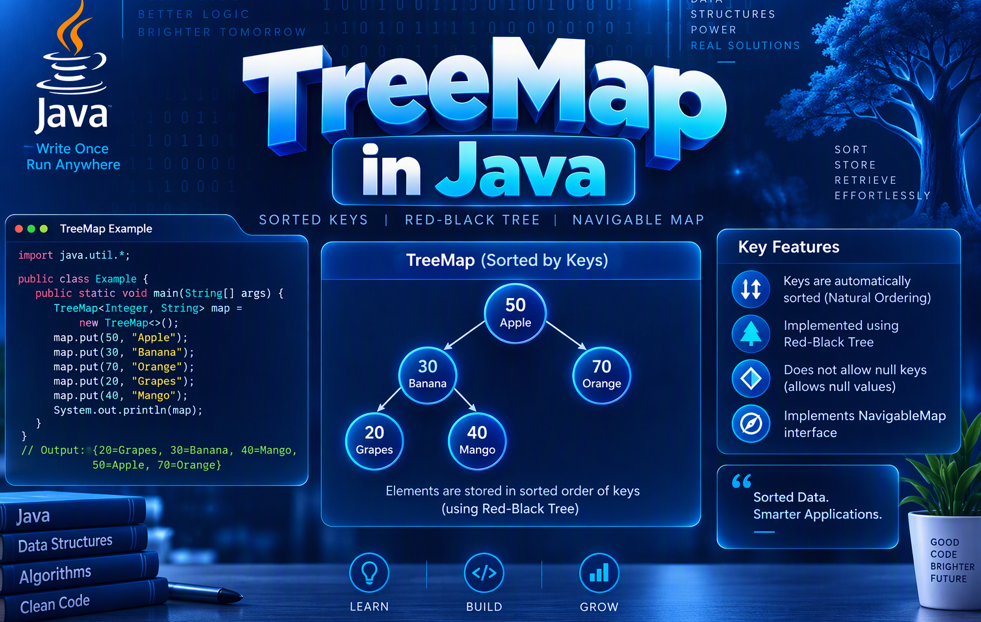
LinkedHashMap in Java
Author by Manikandan S - 21st October 2026
1. Introduction to LinkedHashMap
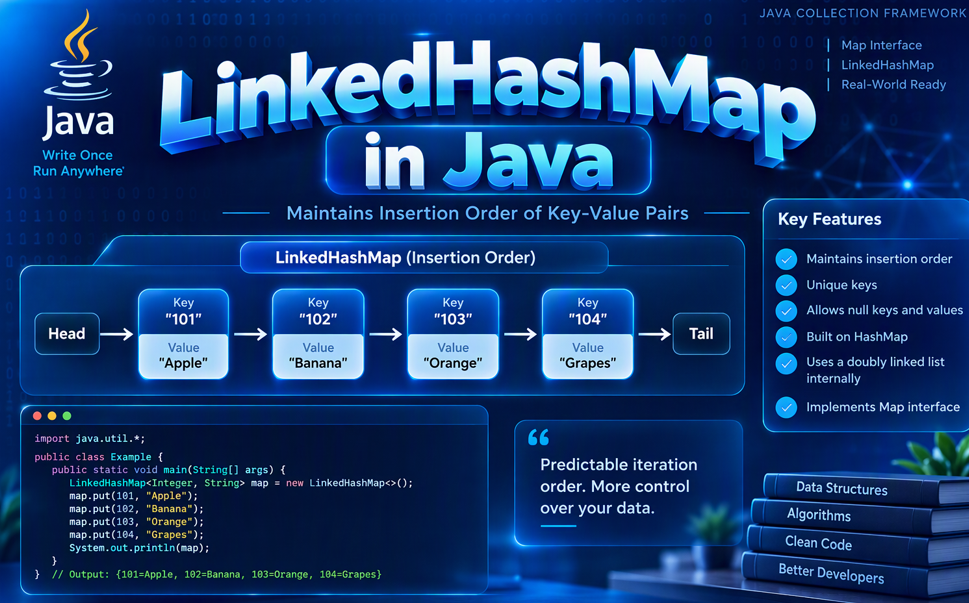
LinkedHashMap is a Java class that implements the Map interface. It stores key-value pairs and maintains insertion order by default.
Syntax
LinkedHashMap<KeyType, ValueType> map = new LinkedHashMap<>();
Example
import java.util.LinkedHashMap;

public class Main {
    public static void main(String[] args) {
        LinkedHashMap<Integer, String> students = new LinkedHashMap<>();

        students.put(1, "Mani");
        students.put(2, "Arun");
        students.put(3, "Priya");

        System.out.println(students);
    }
}
Output:
{1=Mani, 2=Arun, 3=Priya}
2. Creating a LinkedHashMap
Creates an empty LinkedHashMap.
LinkedHashMap<String, Integer> scores = new LinkedHashMap<>();
3. Adding Elements Using put()
The put() method adds a key-value pair or updates an existing key.
LinkedHashMap<Integer, String> students = new LinkedHashMap<>();

students.put(1, "Mani");
students.put(2, "Arun");
students.put(1, "Priya");

System.out.println(students);
// {1=Priya, 2=Arun}
Updating a value does not change the key's insertion position in the default insertion-order mode.
4. Accessing Values Using get()
The get() method returns the value associated with a key.
LinkedHashMap<Integer, String> students = new LinkedHashMap<>();
students.put(1, "Mani");

System.out.println(students.get(1)); // Mani
5. Checking Keys Using containsKey()
Checks whether a key exists.
LinkedHashMap<Integer, String> students = new LinkedHashMap<>();
students.put(1, "Mani");

System.out.println(students.containsKey(1)); // true
6. Checking Values Using containsValue()
Checks whether a value exists.
LinkedHashMap<Integer, String> students = new LinkedHashMap<>();
students.put(1, "Mani");

System.out.println(students.containsValue("Mani")); // true
7. Removing Elements Using remove()
Removes an entry using its key.
LinkedHashMap<Integer, String> students = new LinkedHashMap<>();
students.put(1, "Mani");
students.put(2, "Arun");

students.remove(1);

System.out.println(students); // {2=Arun}
8. Updating Values Using replace()
Updates the value associated with an existing key.
LinkedHashMap<Integer, String> students = new LinkedHashMap<>();
students.put(1, "Mani");

students.replace(1, "Arun");

System.out.println(students.get(1)); // Arun
9. Finding the Size Using size()
Returns the number of key-value pairs.
LinkedHashMap<Integer, String> students = new LinkedHashMap<>();
students.put(1, "Mani");
students.put(2, "Arun");

System.out.println(students.size()); // 2
10. Checking Whether a LinkedHashMap Is Empty
The isEmpty() method checks whether the map contains any entries.
LinkedHashMap<String, Integer> scores = new LinkedHashMap<>();

System.out.println(scores.isEmpty()); // true
11. Removing All Entries Using clear()
Removes all key-value pairs.
LinkedHashMap<Integer, String> students = new LinkedHashMap<>();
students.put(1, "Mani");

students.clear();

System.out.println(students); // {}
12. Iterating Through a LinkedHashMap
Use entrySet() to access keys and values in insertion order.
LinkedHashMap<Integer, String> students = new LinkedHashMap<>();
students.put(1, "Mani");
students.put(2, "Arun");

for (var entry : students.entrySet()) {
    System.out.println(entry.getKey() + " = " + entry.getValue());
}
Output:
1 = Mani
2 = Arun
13. Getting All Keys and Values
Use keySet() for keys and values() for values.
LinkedHashMap<Integer, String> students = new LinkedHashMap<>();
students.put(1, "Mani");
students.put(2, "Arun");

System.out.println(students.keySet()); // [1, 2]
System.out.println(students.values()); // [Mani, Arun]
14. Handling Duplicate Keys
Keys must be unique. Adding the same key again replaces its value.
LinkedHashMap<Integer, String> students = new LinkedHashMap<>();

students.put(1, "Mani");
students.put(1, "Arun");

System.out.println(students); // {1=Arun}
15. Handling Duplicate Values
Different keys can have the same value.
LinkedHashMap<Integer, String> students = new LinkedHashMap<>();

students.put(1, "Mani");
students.put(2, "Mani");

System.out.println(students.size()); // 2
16. Handling Null Keys and Values
LinkedHashMap allows one null key and multiple null values.
LinkedHashMap<String, String> map = new LinkedHashMap<>();

map.put(null, "Java");
map.put("A", null);
map.put("B", null);

System.out.println(map);
17. Setting a Default Value Using getOrDefault()
Returns a default value when the specified key is absent.
LinkedHashMap<String, Integer> scores = new LinkedHashMap<>();
scores.put("Mani", 90);

System.out.println(scores.getOrDefault("Arun", 0)); // 0
18. Adding Entries Using putIfAbsent()
Adds a mapping if the key is absent or currently mapped to null.
LinkedHashMap<Integer, String> students = new LinkedHashMap<>();

students.put(1, "Mani");
students.putIfAbsent(1, "Arun");
students.putIfAbsent(2, "Priya");

System.out.println(students); // {1=Mani, 2=Priya}
19. Maintaining Access Order
LinkedHashMap can optionally maintain access order instead of insertion order. This is useful when implementing an LRU cache.
LinkedHashMap<Integer, String> map =
        new LinkedHashMap<>(16, 0.75f, true);

map.put(1, "A");
map.put(2, "B");
map.put(3, "C");

map.get(1);

System.out.println(map.keySet()); // [2, 3, 1]
The true argument enables access-order mode.
20. LinkedHashMap vs HashMap vs TreeMap
| Feature | LinkedHashMap | HashMap | TreeMap |
|---|---|---|---|
| Storage | Key-value pairs | Key-value pairs | Key-value pairs |
| Order | Insertion order by default | Not guaranteed | Sorted by key |
| Null key | One allowed | One allowed | Generally not with natural ordering |
| Typical get/put | Average O(1) | Average O(1) | O(log n) |
21. Important LinkedHashMap Methods
| Method | Purpose |
|---|---|
put() |
Adds or updates an entry |
get() |
Retrieves a value |
getOrDefault() |
Returns a value or default |
putIfAbsent() |
Adds a mapping if absent or null |
containsKey() |
Checks a key |
containsValue() |
Checks a value |
remove() |
Removes an entry |
replace() |
Updates a value |
keySet() |
Returns the keys |
values() |
Returns the values |
entrySet() |
Returns key-value entries |
size() |
Returns the number of entries |
clear() |
Removes all entries |
22. Time Complexity of LinkedHashMap
| Operation | Average Time Complexity |
|---|---|
put() |
O(1) |
get() |
O(1) |
remove() |
O(1) |
containsKey() |
O(1) |
containsValue() |
O(n) |
| Iteration | O(n) |
Note: Hash-based operations can be slower in collision-heavy cases.
Conclusion
LinkedHashMap is useful when you need to store key-value pairs while preserving insertion order.
Key points:
Keys are unique, but values can be duplicated.
Insertion order is maintained by default.
One
nullkey and multiplenullvalues are allowed.Common lookup and update operations typically take O(1) average time.
Access-order mode can help implement an LRU cache.
Audience Engagement: Have you used LinkedHashMap in a Java project, and where would preserving insertion order be useful?
About the author
- Product Engineer with 3.4 years of experience in Java, Spring Boot, React, Vue, SQL, AWS, and Warehouse Management Systems. Passionate about backend development and software engineering.
Comments
Join the discussionNo comments yet. Be the first to comment.